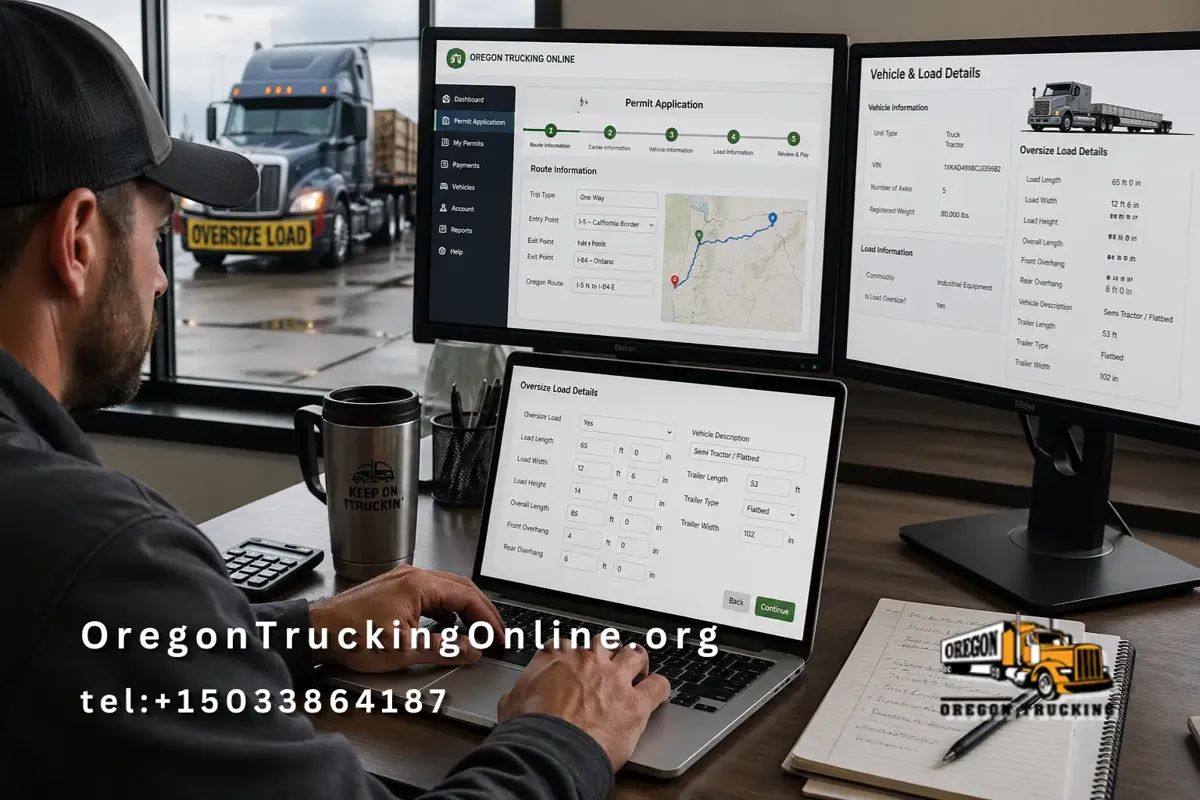
Setting up your Oregon Permit account is closely tied to how you apply for permits. The platform is designed to enable trucking companies to quickly enter trip details, submit applications, and receive permits without delay. Below is a clear, step-by-step guide based on the actual permit application workflow.
Step 1: Start A New Permit Application
Visit the Oregon Trucking Online permit page and select 'Get a PERMIT.' Begin your account activity, as permits are tied to your profile.
Step 2: Enter Route And Trip Details
You will be asked to provide specific trip information, including route type, whether the trip is one-way or round-trip, and your entry and exit points in Oregon.
Ensure your route details are accurate, as they support compliance and help prevent delays or issues during inspections.
Step 3: Provide Business And Carrier Information
Next, enter your company details, including your USDOT number, business name, and contact information. This step connects your permit request to your account and ensures all records are properly tracked.
Accurate information is essential for approvals and future permits.
Step 4: Add Vehicle And Trip Data
You will need to enter vehicle-specific details, such as weight and VIN, as well as trip-related data, including origin, destination, and any stops. This information determines your permit type and cost.
Review details carefully to avoid costly corrections later.
Step 5: Complete Oversized Load Information (If Applicable)
If your load exceeds the legal size limits, you must complete the oversize section. Missing details here can delay approval.
Required fields include:
- Oversize selection
- Load length
- Load width
- Load height
- Overall length
- Front overhang
- Rear overhang
- Vehicle description
- Trailer length
- Trailer type
- Trailer width
Be precise when entering these measurements, as they directly impact permit eligibility and routing restrictions.
Step 6: Review And Submit Payment
Carefully review all entered information before submitting. Once confirmed, proceed with payment through the secure system.
Permits are typically issued quickly and can be downloaded immediately after approval.
Permits are usually issued quickly and can be downloaded or saved digitally.
Step 7: Manage Everything Through Your Account
After your first application, your account becomes your central dashboard. You can apply for future permits, track transactions, and maintain compliance records in one place.
Why Many Trucking Companies Choose Our Service
Many trucking companies prefer Oregon Trucking Online because it streamlines a complex permitting process into an efficient experience. Instead of lengthy paperwork or third-party delays, everything happens in one system.
Our platform allows you to complete applications in minutes, receive permits digitally, and maintain accurate records without extra effort.
Compared to other services, ours reduces downtime and helps keep trucks moving without unnecessary interruptions. It also minimizes errors by guiding users through each step of the process.
Using your account through the application system ensures faster approvals and better compliance.
By following these steps, your trucking company can operate more efficiently and stay focused on the road.